
The Garmin CIRQA band comes without a screen which requires alternative pairing and operating actions.
Pair CIRQA band
The Garmin band needs to be connected to a power source to active its pairing mode.
- Plug the cable into the charging port.
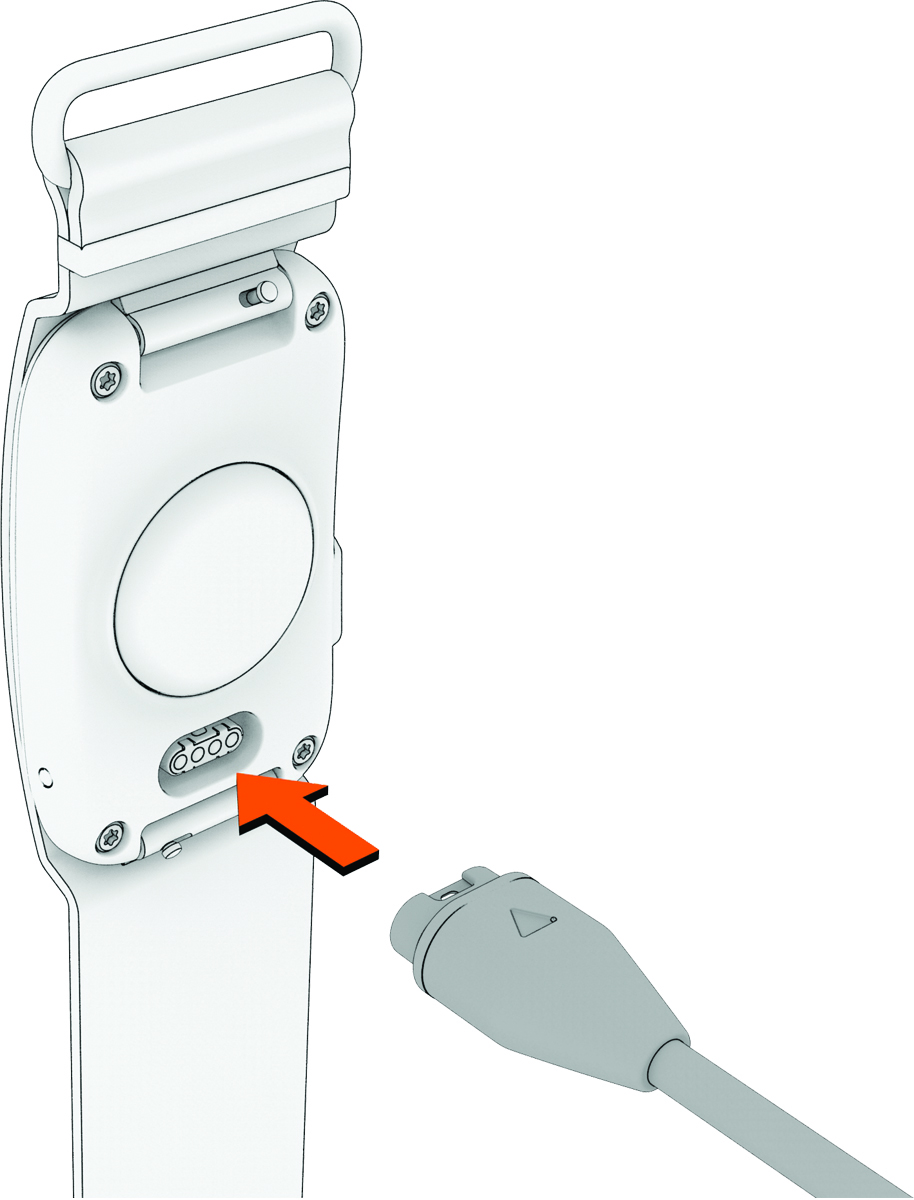
- Plug the other end of the cable into a USB charging port.
- The LED now flashes
 (purple) in active pairing mode.
Alternatively, you can manually enter pairing mode by pressing the device button quickly three times or hold the button for approximately 6 seconds until the LED flashes
(purple).TIP: If you have already paired the device, you must remove it from your phone’s Bluetooth settings before pairing.
Record an activity
You need to select a favorite activity in the Garmin Connect or Fitrockr app.
- Press the button on the CIRQA™ smart band.
- The LED flashes
 (green) and the CIRQA™ smart band vibrates when it begins recording your activity.
 - After you finish the activity, press the button on the CIRQA™ smart band again.
- The LED flashes
 (red) and the CIRQA™ smart band vibrates. The activity has been successfully recorded.
Connect to laptop via USB cable
To connect the CIRQA band to a laptop with its USB cable you may need to change its setting to “USB File Access”. This can be done on the Fitrockr app or Garmin Connect app.
Perform a soft reset (force restart)
- Press and hold the side button for 15 to 20 seconds.
- Release the button once the status LED goes completely dark.
- Press and hold the button for 2 seconds to turn it back on.
Perform a factory reset (data and setting reset)
A full factory reset (erasing all user data and restoring default settings) cannot be initiated directly on the CIRQA band due to its screen-less design. A factory reset needs to be performed in the Fitrockr app or Garmin Connect app.